Aikon
Aikon is an AI-powered icon generator tool that enables designers to quickly, consistently, and stylistically create missing icons.
The tool analyzes existing icon sets, automatically recognizes stroke weight, rounding, and level of detail, and generates matching new icons at the push of a button.
Research and Insights
Problem Sketch
Already the first ideation phase revealed clear problem areas: inconsistent icon sets, missing icons for new devices, and high time investment for post-processing.

Research and Insights
Interviews

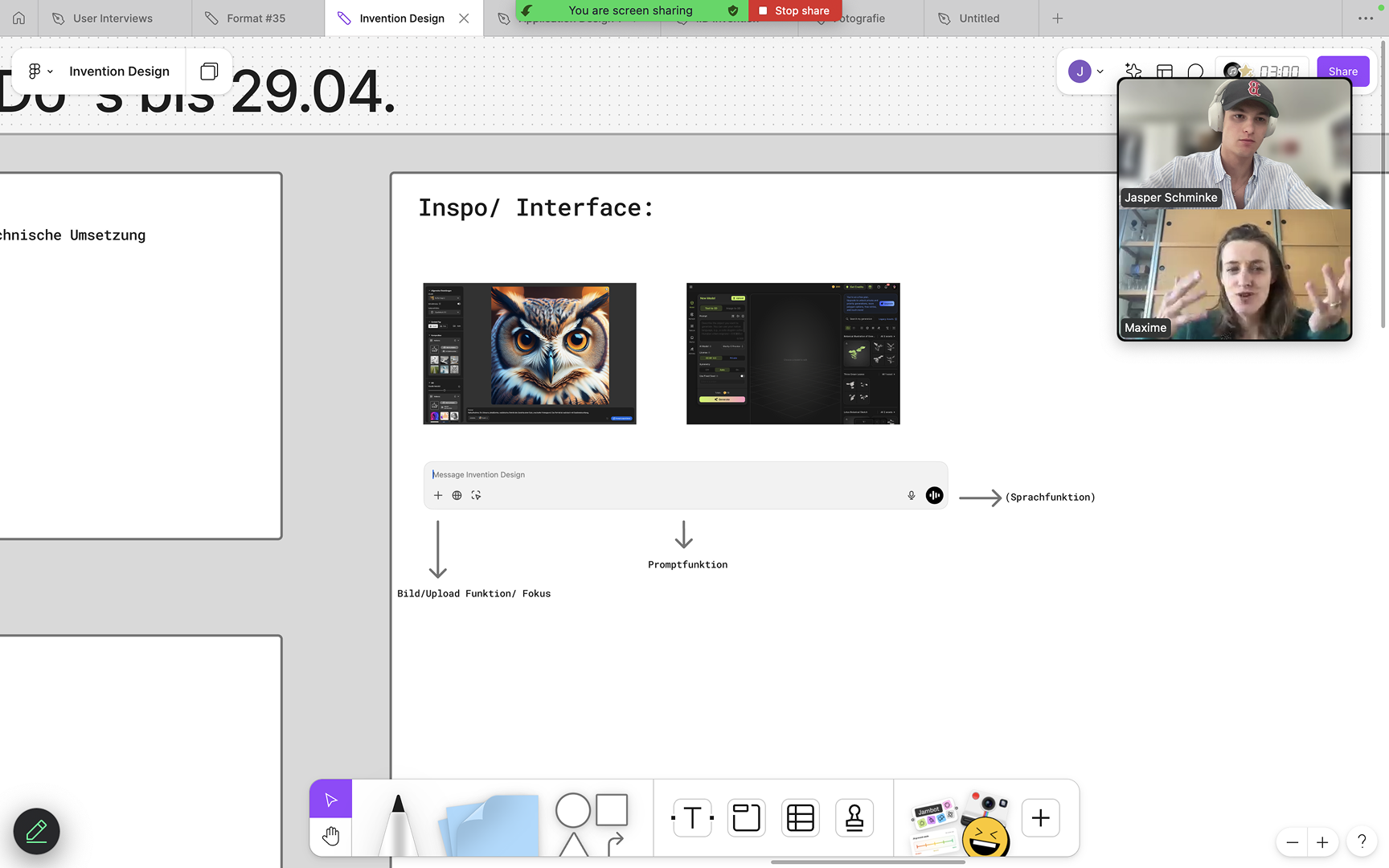
In the interviews (e.g., Stephanie, Isabella, Maxime, Christoph), designers confirmed the biggest pain points:
Research and Insights
Pain Points
difficult search in libraries
missing modern icons
inconsistencies between sets
no efficient filtering
manual post-processing as time drain
This resulted in a precise persona:
The professional UX/UI designer who seeks a consistent, efficient tool that brings together style fidelity and AI.
Research and Insights
Persona
Occupation
UX/UI Designer
Pain points when working with icons
• Difficult search for suitable icons in libraries
• Icons often lack current icons (modern devices, etc.)
• Inconsistencies within icon sets.
• Icons are often not optimized for small sizes.
⸻
Needs and requirements
• Intuitive and easily navigable icon libraries.
• Modern icons for new use cases.
• Easier integration of icons into existing design systems.
Attitude toward AI in the design process
• Openness to AI, but creative final control remains with the designer.
• AI is perceived as supportive assistance, not as a replacement.
⸻
Current trends in UX/UI design
• Modularization and stronger structuring of design systems.
• Growing demand for flexible, adaptable assets.
• Increasing acceptance of AI tools for routine tasks in design.
⸻
Wish list for an ideal icon set generator
• Intelligent filtering by style, theme, and size.
• Directly adjustable icons (stroke weight, details, dimensions).
• Seamless integration into existing design software (e.g., Figma, Sketch).
Average/Persona

Conception
Inspirations
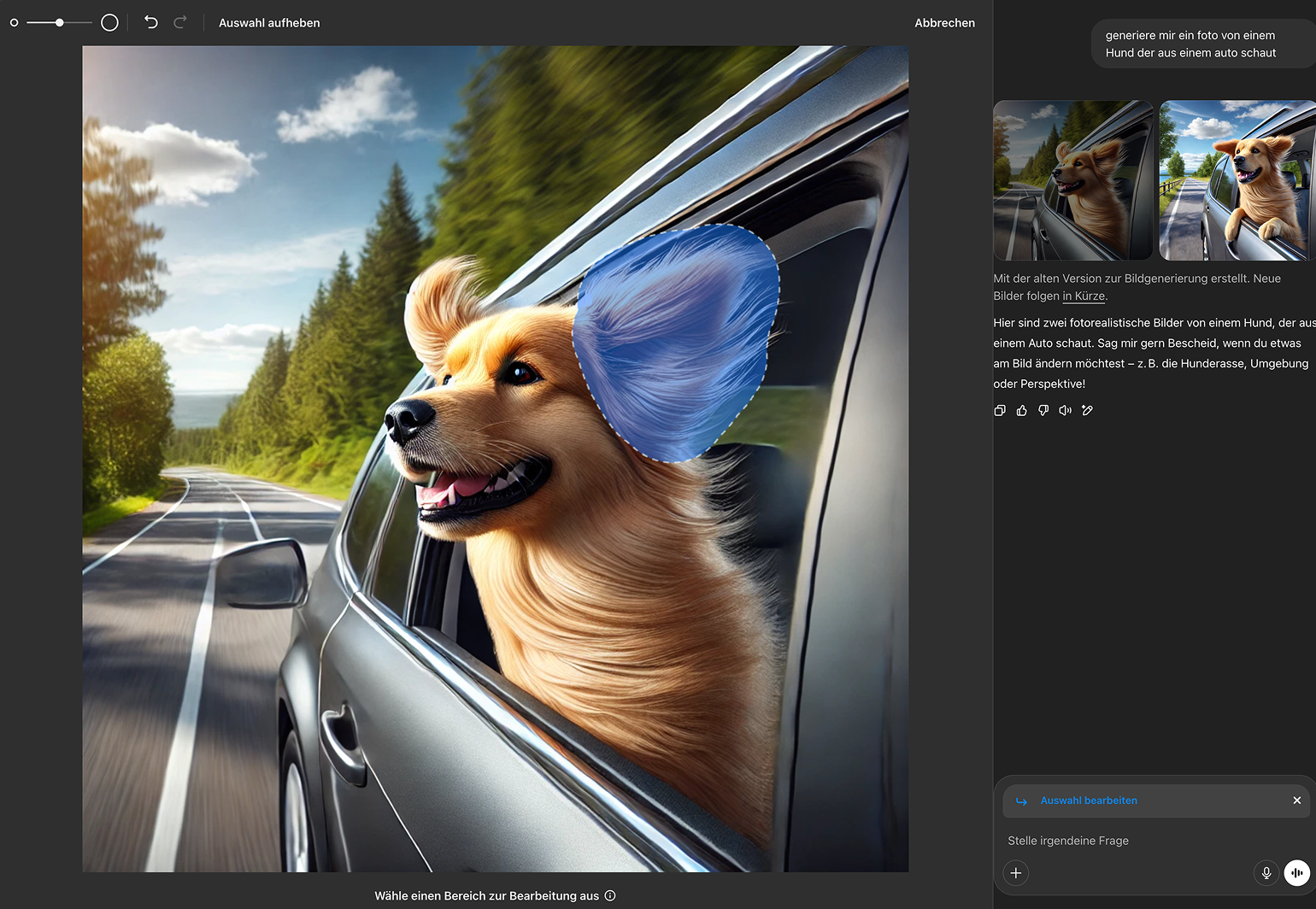
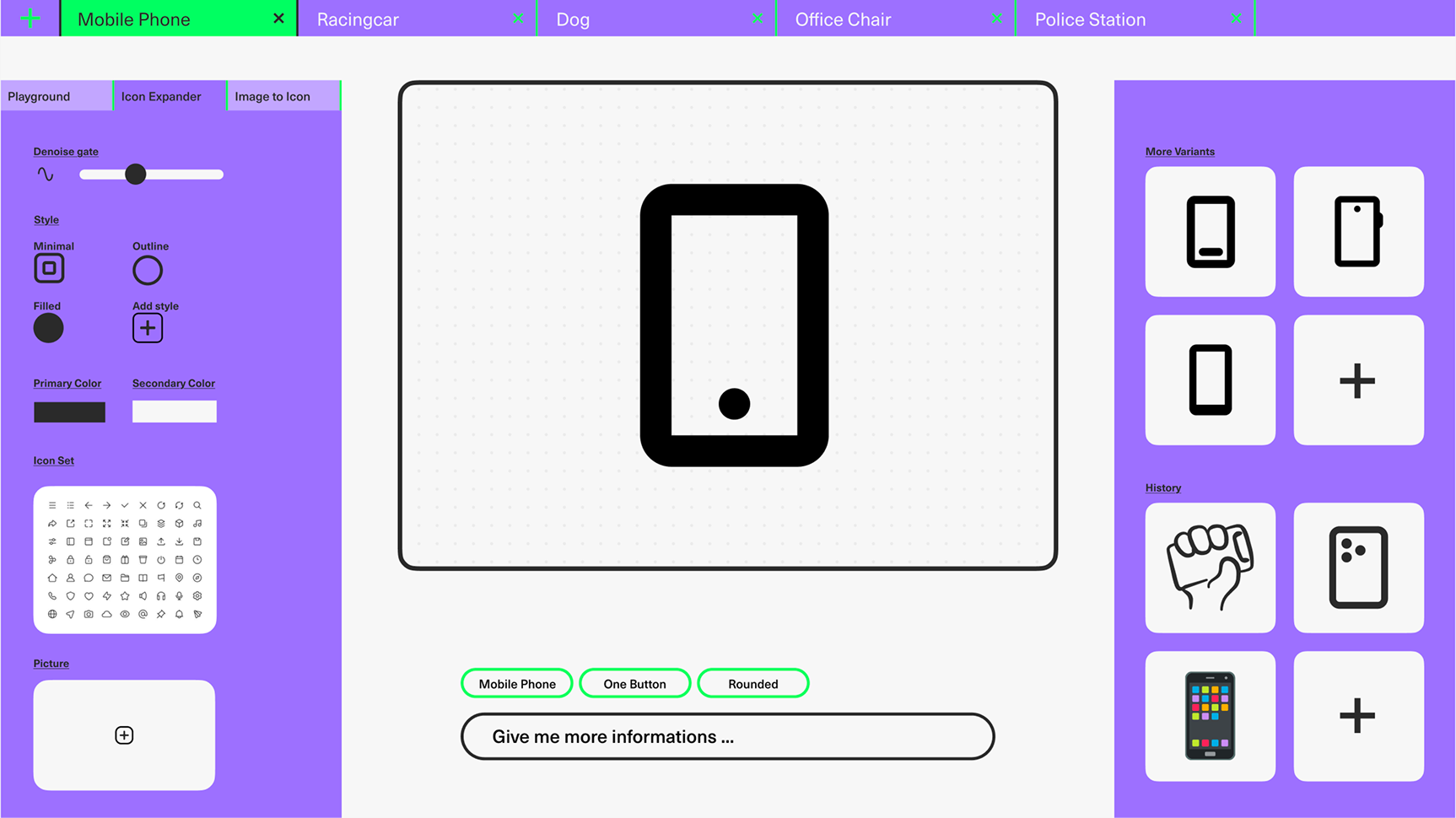
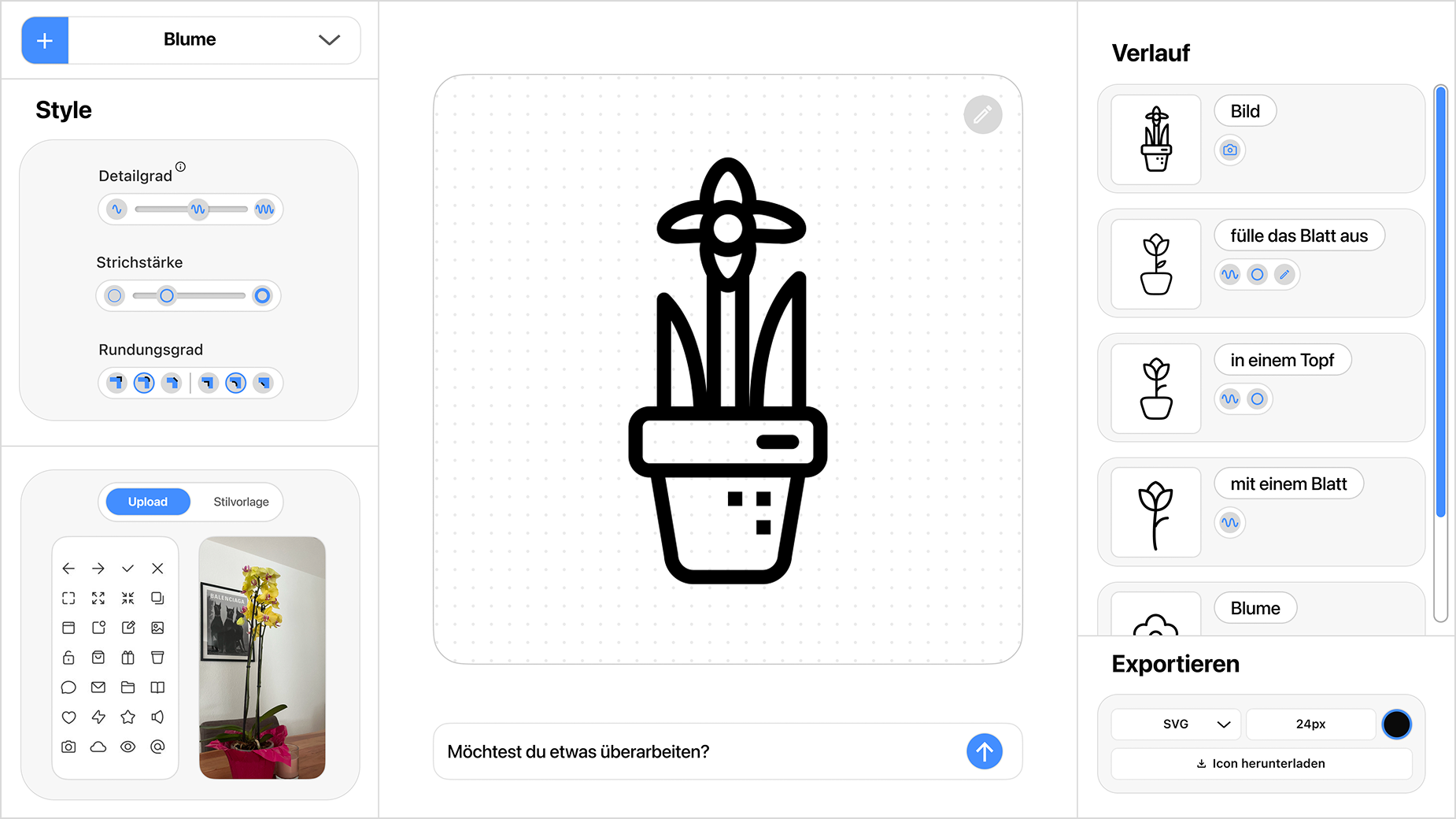
Initial interface inspirations (e.g., image upload, prompting, voice control) helped with domain definition.
Conception
Wireframes

Conception
Wireframes
Conception
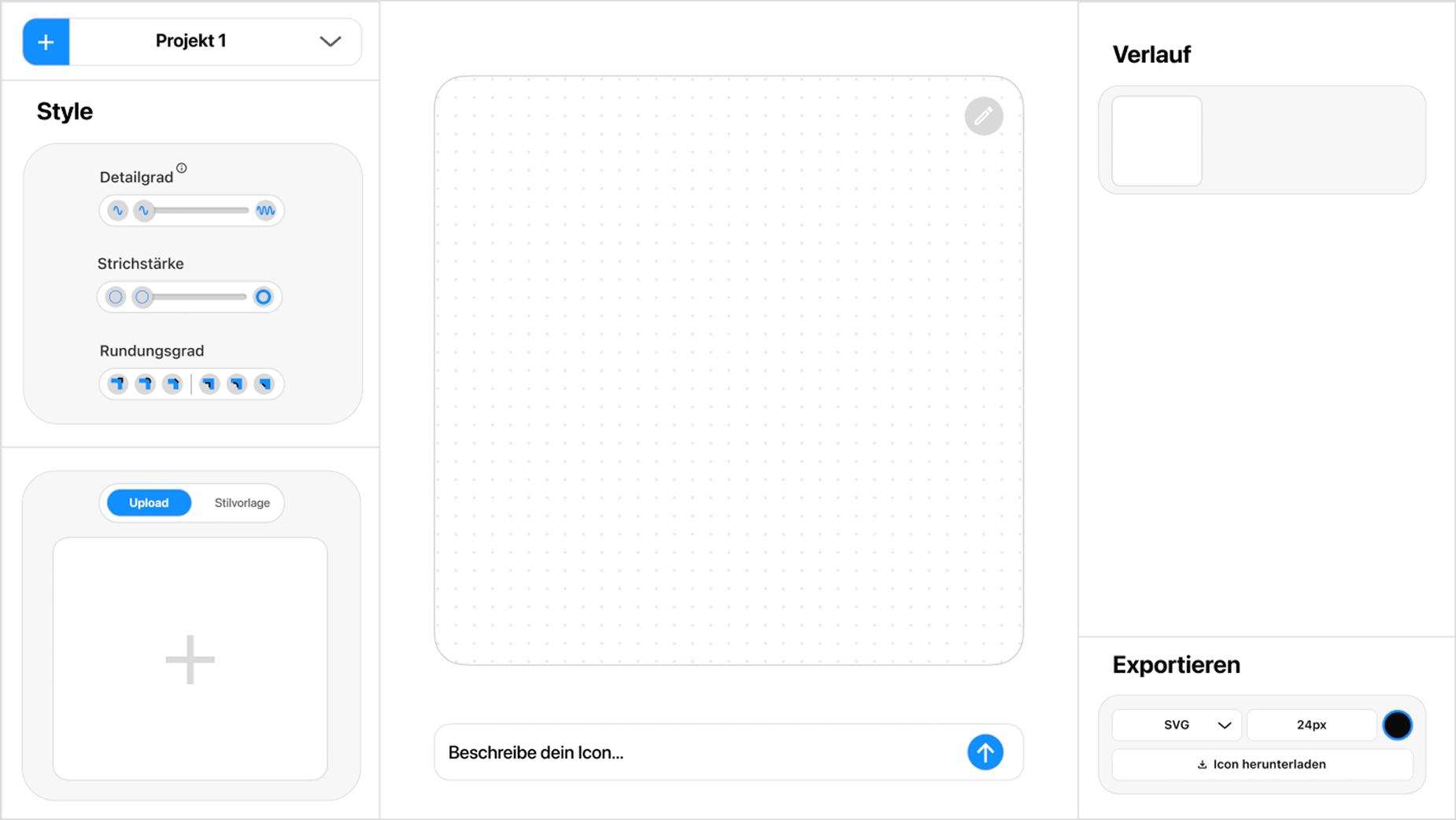
The early wireframes already showed the core structure:
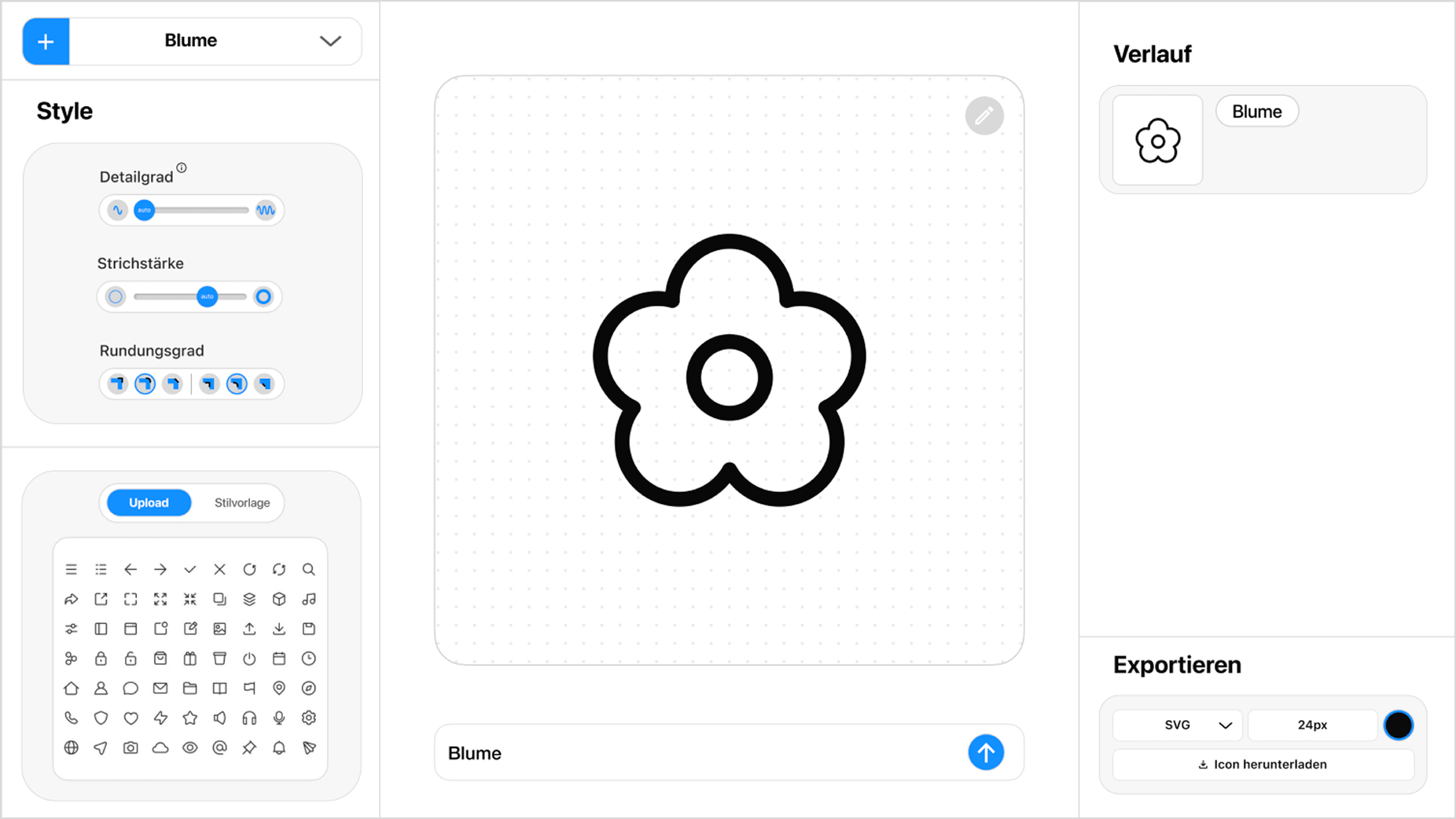
left column: style parameters
center: canvas
right: history / prompt log
UI Design
The UI was designed for clarity, precision, and systematicity –
fitting for the tool character.
UI Design
Style Panel (left)

Control via:
– level of detail
– stroke weight
– rounding
– style types (Outline / Filled / Pixel / Round / 3D)
UI Design
Canvas (center)
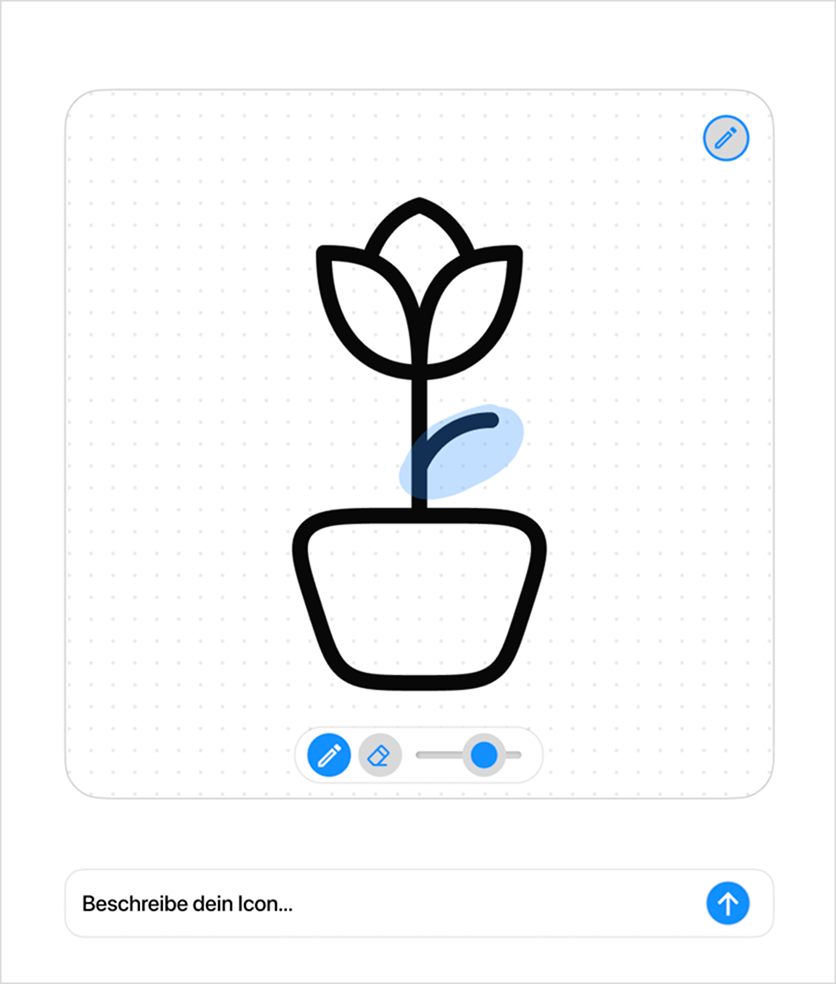
Focus on:
- central workspace for the icon
- shows all generated variants in the selected style option
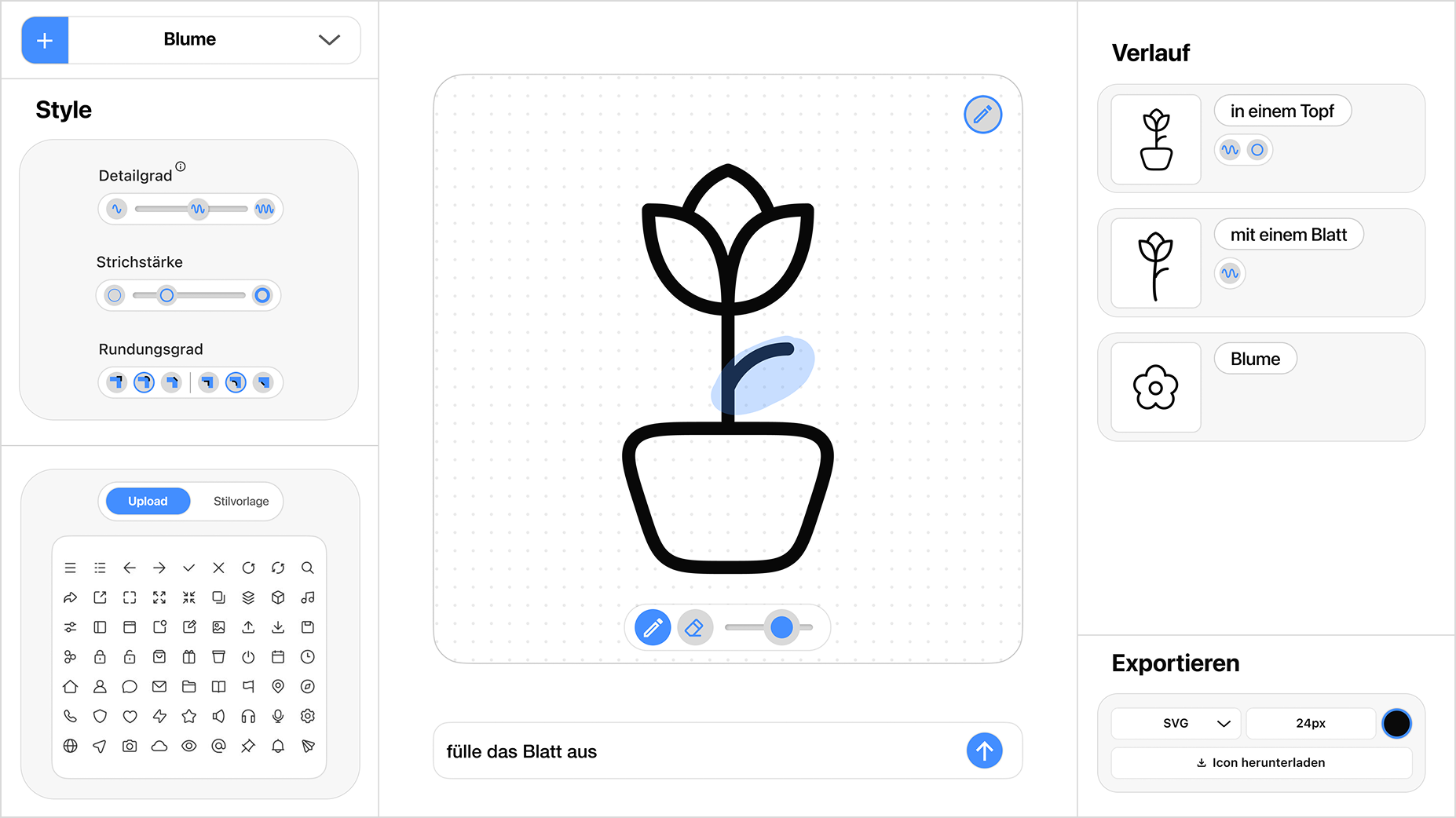
- enables targeted marking of individual areas for adjustment
- visual feedback occurs immediately after each change
- forms the core of the creative and iterative process
UI Design
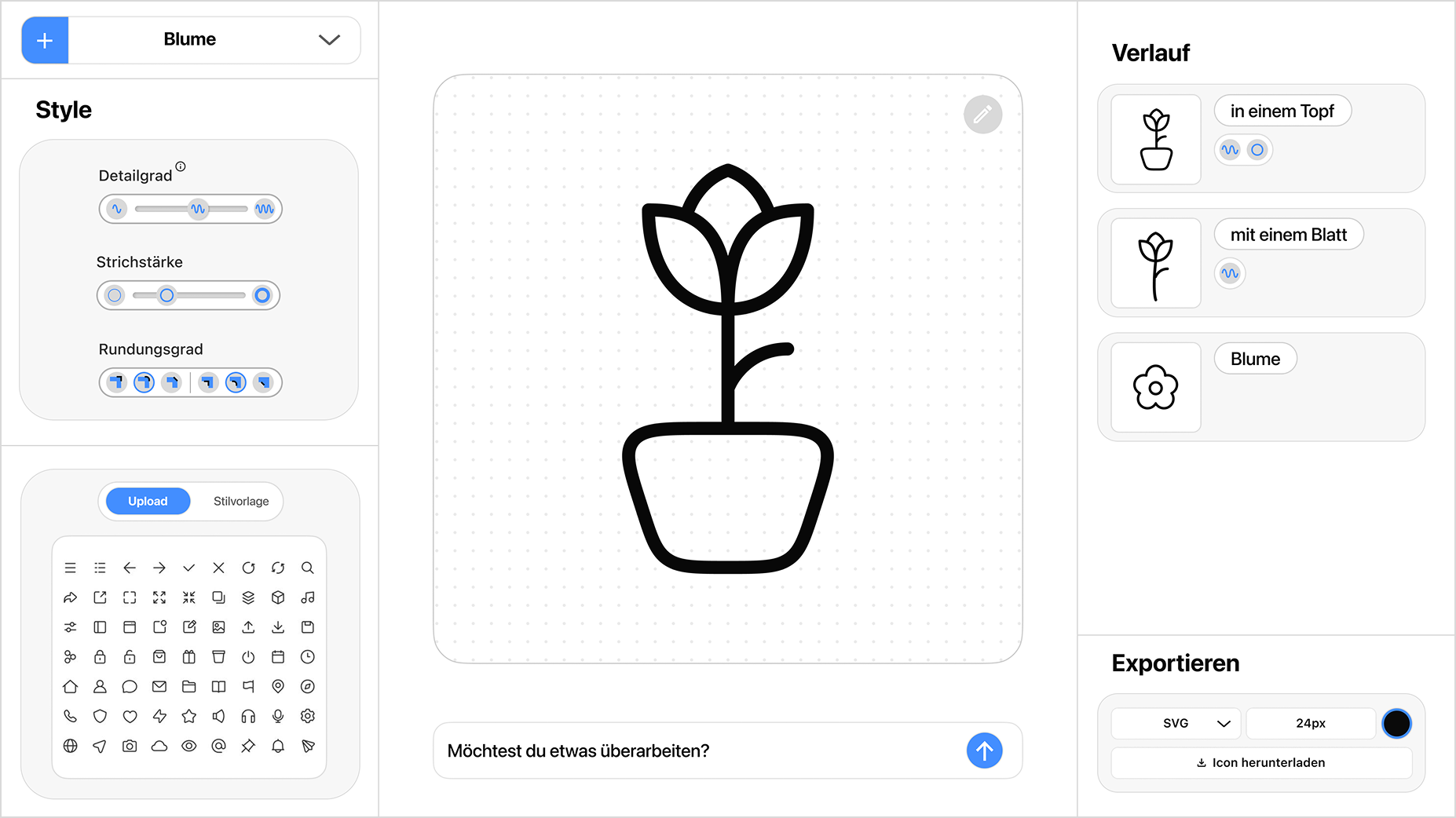
History (right)
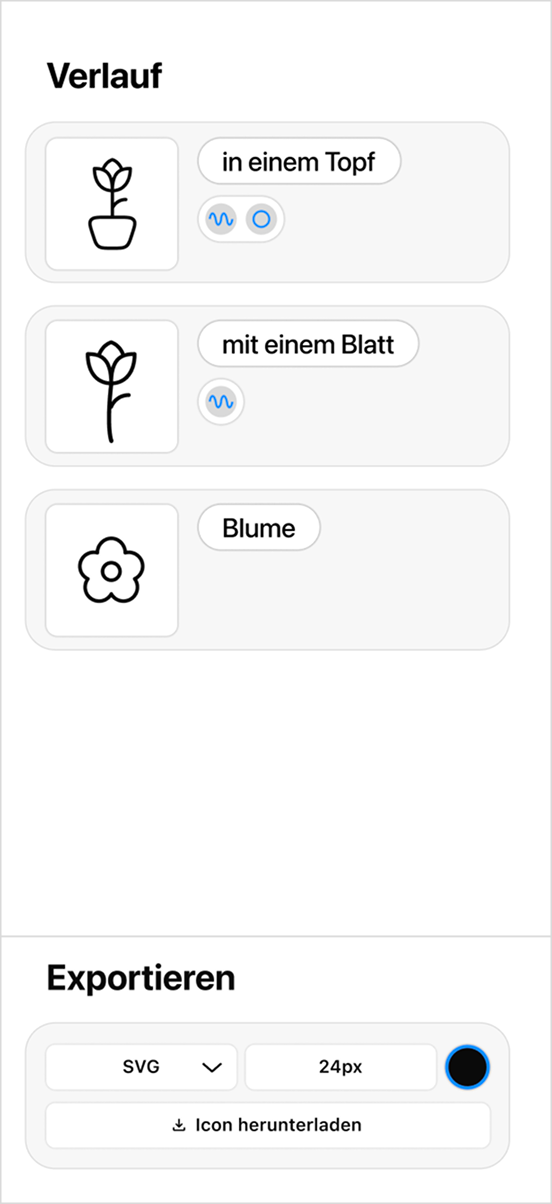
- shows all generated variants chronologically
- documents each prompt step transparently
- makes changes to the icon traceable at any time
- Example: "flower" → "with a leaf" → "in a pot"
Final Prototype
Upload Icon Set
Final Prototype
Generate First Icon
Final Prototype
Generate Variants
Final Prototype
Targeted Area Adjustment
Final Prototype
Photo → Icon
Learnings
Aikon has shown that AI tools are valuable when designers retain control.
The project helped us dive deep into topics such as style abstraction, consistent icon grids, parametric design, and AI interpolation.
We learned how important transparency (History), clear UI structures, and model-independent parameters are.